What Is a Practical Checklist for Reviewing a Clip Before Disclosure?
A CCTV clip can help explain an incident, but disclosing more footage than necessary can expose residents, visitors, staff or building operations. Before sharing anything, pause and ask: What security question does this camera answer? Then check that the clip answers that question—and nothing more than it needs to.
This practical checklist is for property managers, building teams, owners’ associations and others responsible for reviewing surveillance footage before disclosure. It covers purpose, field of view, data minimisation, redaction, access controls and retention. It is an operational guide, not legal advice: disclosure decisions should follow your organisation’s policy and applicable privacy law, with advice from your data protection lead or counsel where needed.
Start with the request, not the footage
Do not begin by opening a camera feed out of curiosity. First establish who is requesting the clip, what they need it for, and what time period and location are relevant. A request might relate to a reported collision in a garage, a package incident in a lobby or a safety concern in a lift. Those details help you avoid reviewing—or disclosing—unnecessary material.
Record the purpose and scope
- Identify the requester and their role. Verify their identity through an established process.
- Record the stated reason for the request and the specific incident it relates to.
- Confirm the relevant camera, date, time range and any known time difference on the system clock.
- Check that the request is within the requester’s authority and your organisation’s disclosure policy.
- Limit the review to the smallest time window that can reasonably answer the question.
For example, if someone reports that a vehicle struck a barrier at 8:15 pm, do not automatically export the whole evening from every garage camera. Identify which camera might show the barrier, check a proportionate period around the reported time and expand only if the initial review indicates that is necessary.
Confirm ownership and governance
Camera decisions need an accountable owner. In a mixed-use building, responsibility may involve a property manager, owners’ association or board, building operator, security contractor and, in some cases, a commercial occupier. Before reviewing footage, know who controls the system, who is permitted to make disclosure decisions and who should be consulted when a request is sensitive or disputed.
- Check the written CCTV policy, including permitted purposes and disclosure routes.
- Confirm who may view, export, approve and provide clips. Avoid informal “someone on the team has access” arrangements.
- Escalate requests involving potential crime, injury, employment disputes, vulnerable people or legal proceedings according to policy.
- Keep a disclosure log: requester, purpose, footage reviewed, decision, approver, recipient, date and method of transfer.
- Document why a request was refused, narrowed or referred for advice, where appropriate.
Governance also starts before an incident. Cameras should have a defined security purpose, suitable placement and controlled access—not be installed “just in case”. A camera’s field of view should be checked periodically, especially after construction, furniture changes or repositioning.
Practical clip-review checklist
Use the following steps in order. If the clip contains material that is not needed, do not assume the recipient needs the unedited original. Consider whether a shorter segment, still image, redacted copy or written account would meet the purpose instead.
- Match the clip to the request. Confirm the camera location, date and time. Check the system clock against another reliable source where timing matters, and note any known offset.
- Review only what is necessary. Start with the narrow time window and relevant camera. Expand the scope only when there is a recorded reason.
- Check the field of view. Ask what the camera was intended to capture and whether it also shows private areas, neighbouring property, staff workstations or unrelated building activity.
- Look for bystanders. Note residents, visitors, delivery workers, children, staff and anyone else who is not central to the incident. Consider whether they can be cropped or blurred without undermining the purpose.
- Check for badges and screens. Look for staff or visitor badges, access cards, name labels, computer monitors, phone displays, PIN pads and paperwork that may reveal identity or confidential information.
- Identify unrelated plates. Check for vehicle registration plates that are not relevant to the event, especially in garages, loading areas and vehicle entrances.
- Review audio and overlays. If audio exists, confirm whether it is necessary and appropriate to include. Check timestamps, camera labels, system messages and other overlays for sensitive or misleading information.
- Choose the least revealing useful version. Consider a short excerpt, a cropped view, a redacted export or a description instead of the full recording.
- Check the finished export. Play the actual file that will be disclosed. Verify that edits work throughout, the timeline is accurate and no unredacted frames or audio remain.
- Record approval and transfer details. Log what was released, to whom, why and how. Record where the exported clip is stored and who can open it.
Redaction is more than blurring faces
Faces and vehicle plates are obvious review points, but they are not the whole checklist. A clip may identify someone through a uniform, badge, distinctive clothing, mobility aid or the context of their visit. A screen in the background may expose names, access details or private messages. A camera label or visible door number may reveal sensitive building layouts.
Check the edges and the whole timeline
Review the complete proposed excerpt, not just the moment of impact or interaction. People can enter the frame before or after the key event. Redaction should persist as a person or object moves; a blur that slips off for even a few frames may not protect them. Check reflections, glass doors and mirrors as well as the main view.
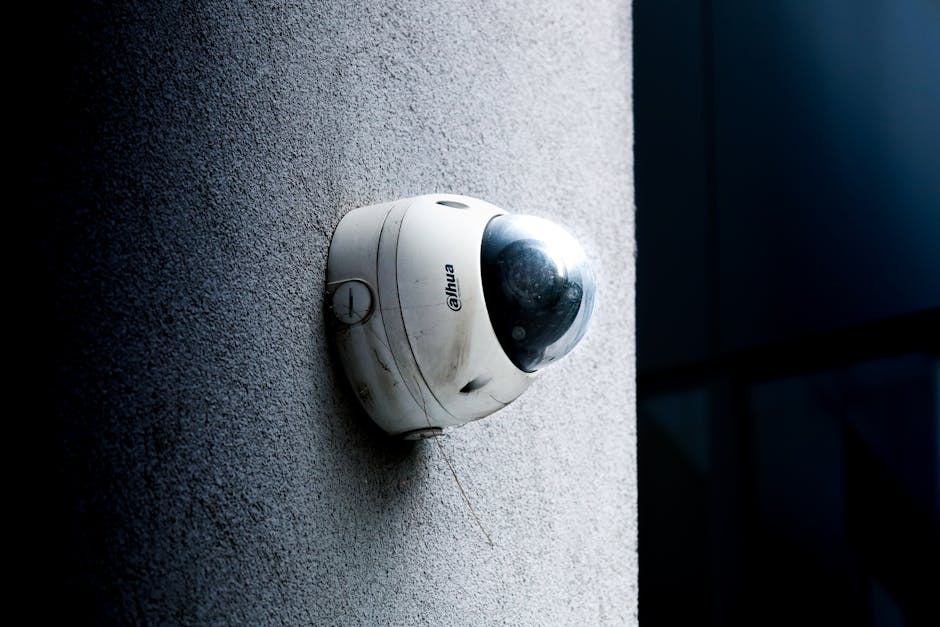
Keep the original footage unchanged in its authorised system. Make a separate working More help copy for editing, restrict access to it and label the redacted disclosure copy clearly. Do not overwrite original evidence or imply that an edited copy is the unaltered recording. If an unredacted version must be preserved for an authorised purpose, document that decision and limit access.
Minimise the field of view and the disclosure
Data minimisation begins with camera design. Ask, “What security question does this camera answer?” If there is no clear answer, review whether the camera is needed, where it points and how long footage is retained. A camera covering a particular entrance should not unnecessarily capture windows, private areas, neighbouring premises or a broad stretch of public space.
For an individual disclosure, minimisation means sharing only the portion needed for the stated purpose. That may mean a few seconds rather than several common area security cameras minutes, one camera rather than a bank of cameras, or a still image rather than moving footage. If several people appear, consider whether a redacted copy can preserve the relevant event while reducing exposure of others.
Do not promise that blurring makes footage anonymous in every circumstance. Someone may still be recognisable from clothing, context or other details. When the risk is unclear, pause and seek an appropriate privacy or legal review rather than sending the clip first and asking questions later.
Control the export and keep a clear audit trail
Before any export, know where the file will go and who can open it. This is one of the easiest checks to miss when a request feels urgent. A raw clip should not be casually emailed around, copied into a general shared folder or sent through an unapproved messaging app.

A link with an expiry date and restricted access may be more controlled than an attachment, depending on your organisation’s systems and policy. Whatever method you use, provide only the approved version and avoid creating extra copies. If a recipient asks for the raw footage, clarify why it is needed and escalate the request rather than treating it as a routine follow-up.
Set retention periods and delete routinely
Retention should be defined in policy, connected to the camera’s purpose and applied consistently. There is no useful “keep everything forever” default for operational footage. Set routine deletion so recordings are overwritten or securely removed after the approved period, unless a specific incident or authorised hold requires preservation.
If relevant footage must be preserved, isolate the necessary segment where practicable, document the reason, identify an owner and review the hold periodically. A preserved incident clip should not become a reason to retain unrelated footage indefinitely. Apply a deletion date to disclosure exports too, not only to the original CCTV system.
- Publish and follow a retention schedule for routine recordings.
- Restrict preservation to footage that is genuinely relevant to the incident or process.
- Record who authorised a hold and when it should be reviewed.
- Set a deletion date for exported and redacted copies.
- Confirm that expired copies are deleted from approved storage and any permitted working locations.
Avoid documentation and handover mistakes
Keep the disclosure record factual and specific. One odd but useful quality check: if a scraped source or copied template says “No prices listed in the scraped article”, that is irrelevant boilerplate for a CCTV review. Remove it rather than carrying it into an incident log or recipient note. Do not let unrelated text obscure the information that matters: the purpose, scope, decision, recipient and handling of the file.
Also avoid vague entries such as “clip sent to management”. Record the recipient’s role or identity, the approved file version, the transfer method and where the export resides. If responsibility changes hands, make sure the next person knows the deletion date and access restrictions.
Quick decision before disclosure
Before pressing send, ask:
- Does this clip answer the documented security question?
- Have I limited the camera, time window and content to what is necessary?
- Did I check for bystanders, badges and screens, and unrelated plates?
- Have I tested any redaction across the entire exported clip?
- Do I know where the export ends up and who can open it?
- Is the disclosure logged, with an owner and deletion date?
If you cannot answer those questions, pause the disclosure. A short review and a well-kept log are usually easier to defend than an overbroad clip sent in a hurry. Good CCTV practice is not simply about capturing an incident; it is about limiting collection, controlling access and sharing only what the legitimate purpose requires.
Share this checklist
Use your organisation’s approved sharing settings and avoid including incident footage or personal information in a public post.
- Facebook share
- X (Twitter) share